Free Shipping on Orders Over $50


Space Mouse Pad
Select options
This product has multiple variants. The options may be chosen on the product page
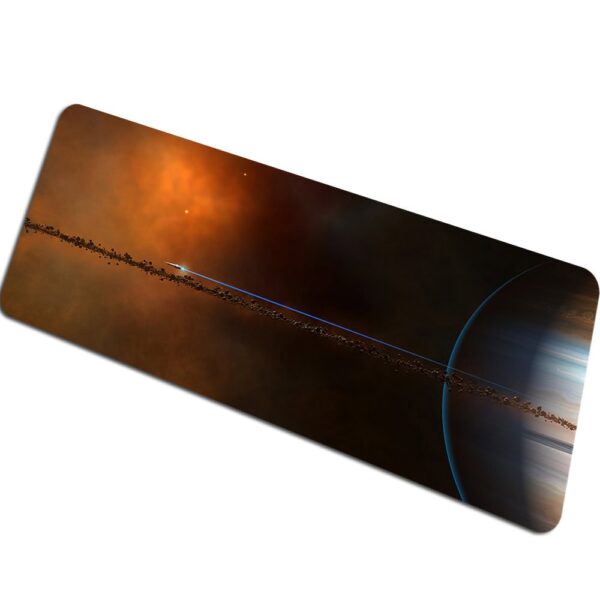
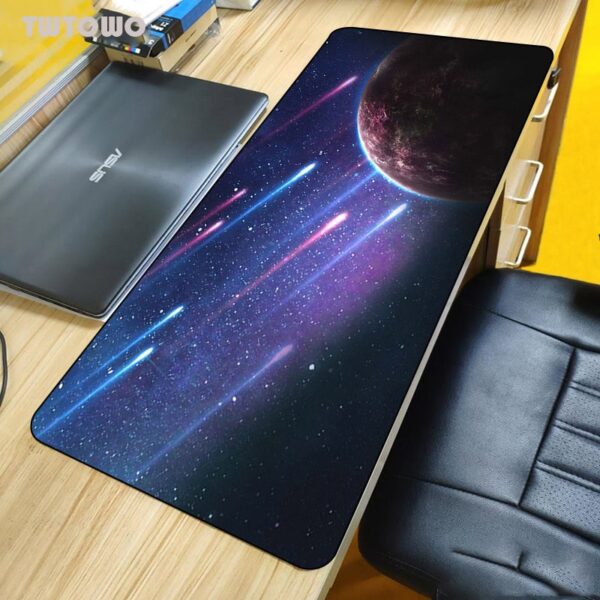
Galactic Rings Space Mouse Pad
Price range: $42.99 through $51.99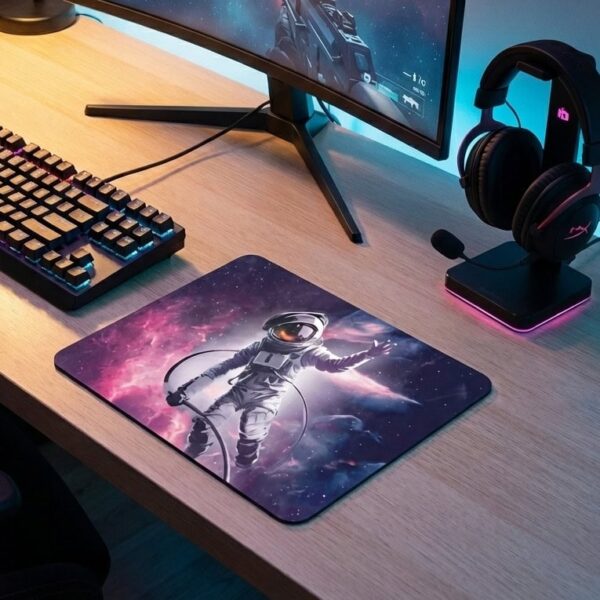
Select options
This product has multiple variants. The options may be chosen on the product page
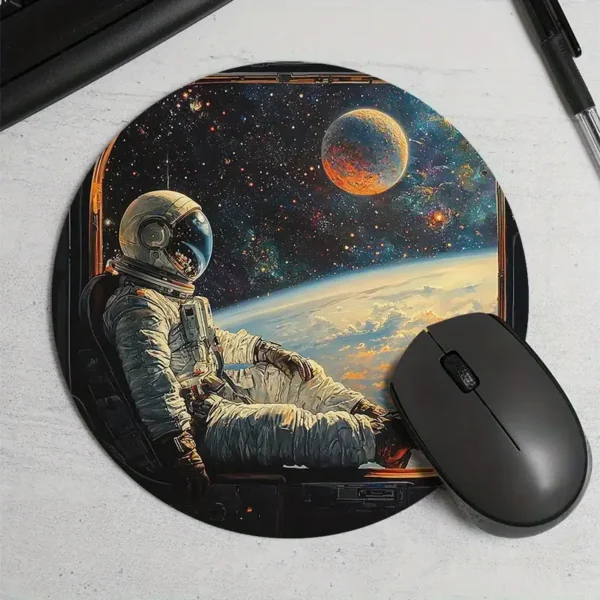
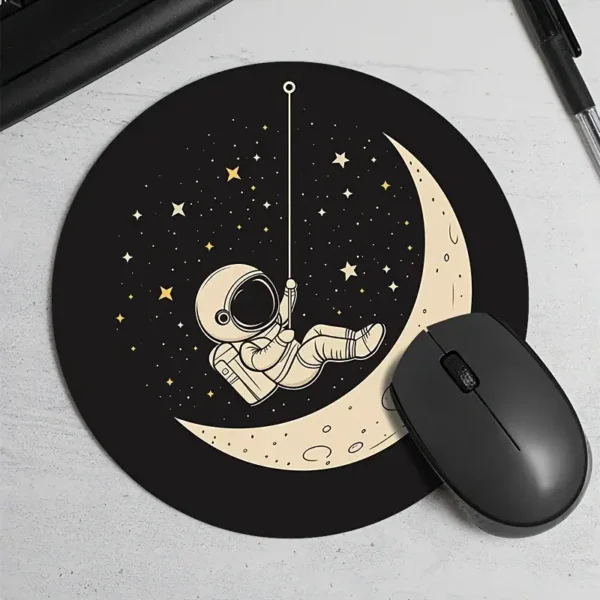
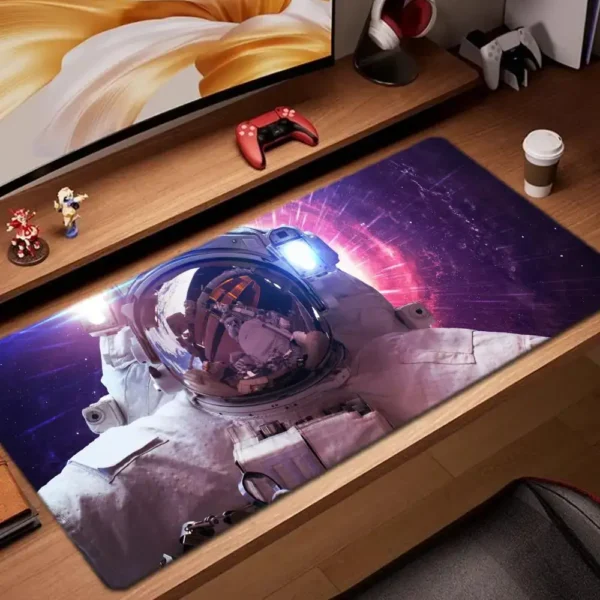
Astronaut Art Mouse Pad
Price range: $36.99 through $41.99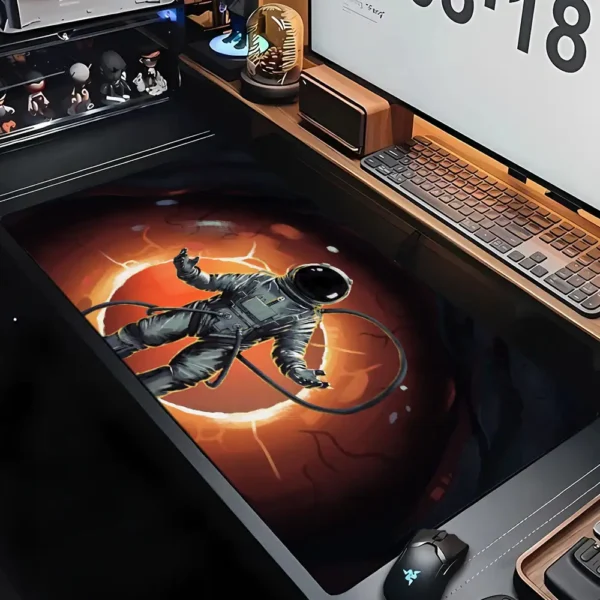
Select options
This product has multiple variants. The options may be chosen on the product page
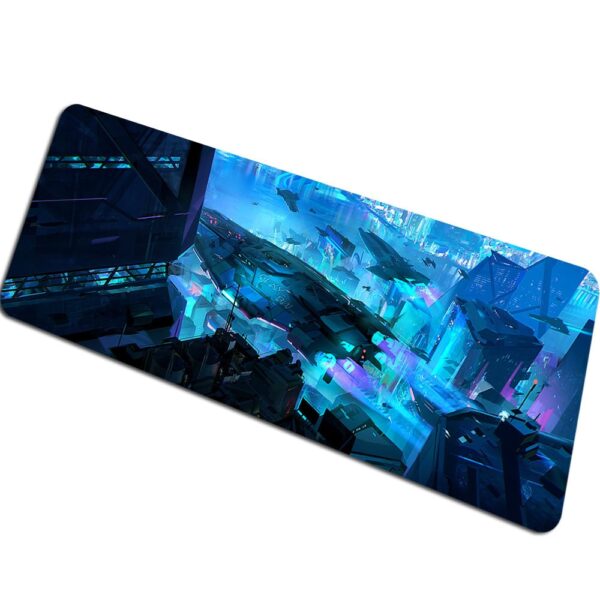
Astronaut Flame Space Mouse Pad
Price range: $36.99 through $41.99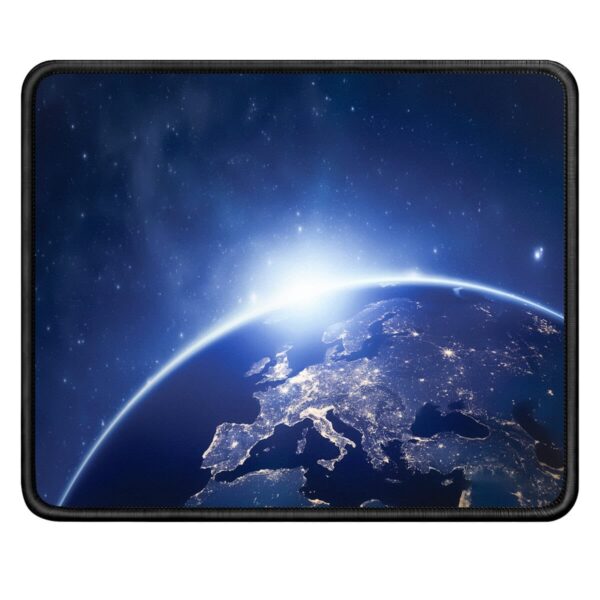
Select options
This product has multiple variants. The options may be chosen on the product page
Futuristic Civilization Mouse Pad
Price range: $42.99 through $51.99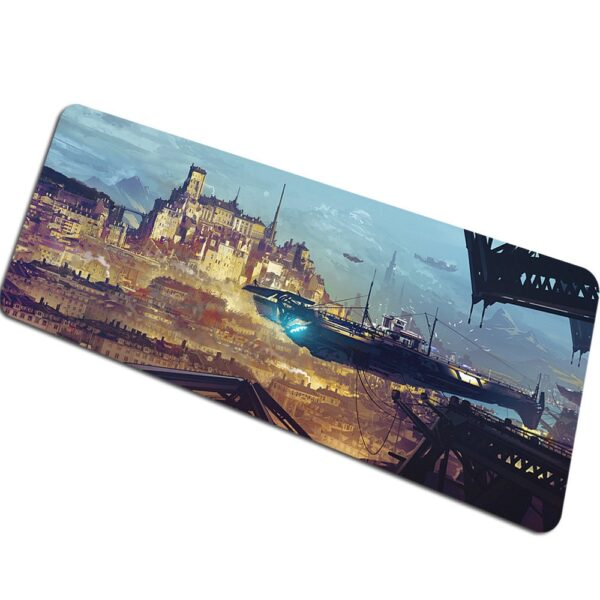
Select options
This product has multiple variants. The options may be chosen on the product page
Galactic Civilization Space Mouse Pad
Price range: $42.99 through $51.99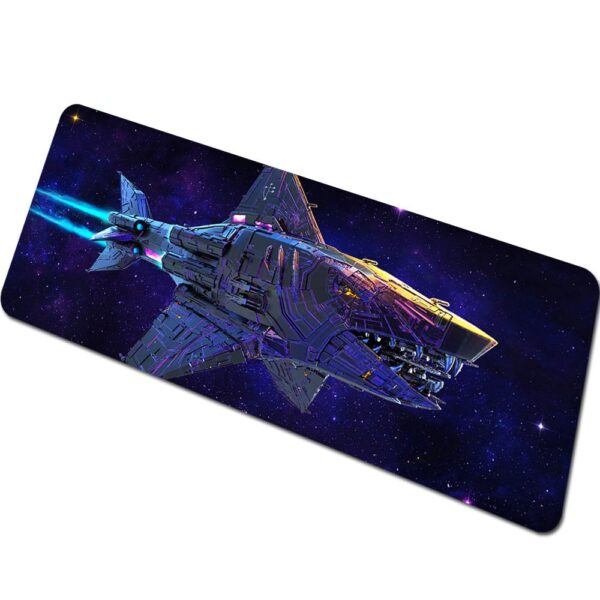
Select options
This product has multiple variants. The options may be chosen on the product page
Intergalactic Civilization Space Mouse Pad
Price range: $42.99 through $51.99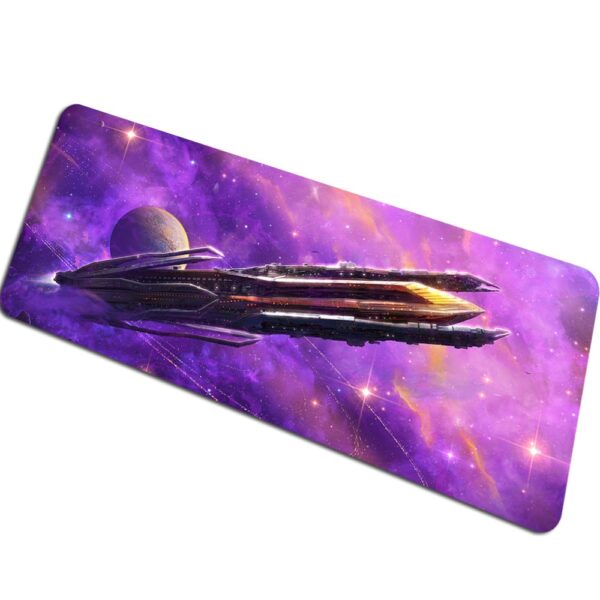
Select options
This product has multiple variants. The options may be chosen on the product page
Galactic Exploration Space Mouse Pad
Price range: $42.99 through $51.99
Select options
This product has multiple variants. The options may be chosen on the product page
Female Astronaut Mouse Pad
Price range: $45.99 through $68.99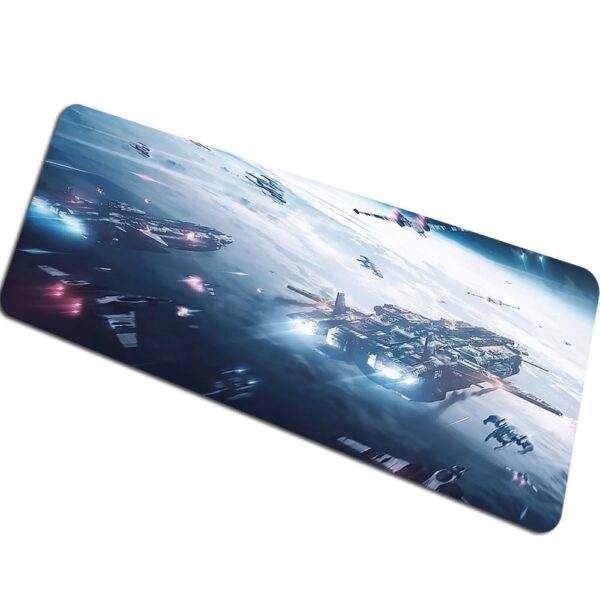
Select options
This product has multiple variants. The options may be chosen on the product page
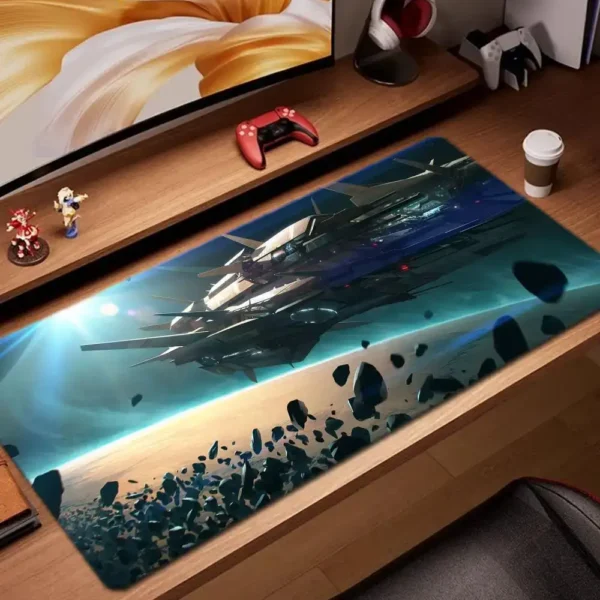
Space Fleet Mouse Pad
Price range: $42.99 through $51.99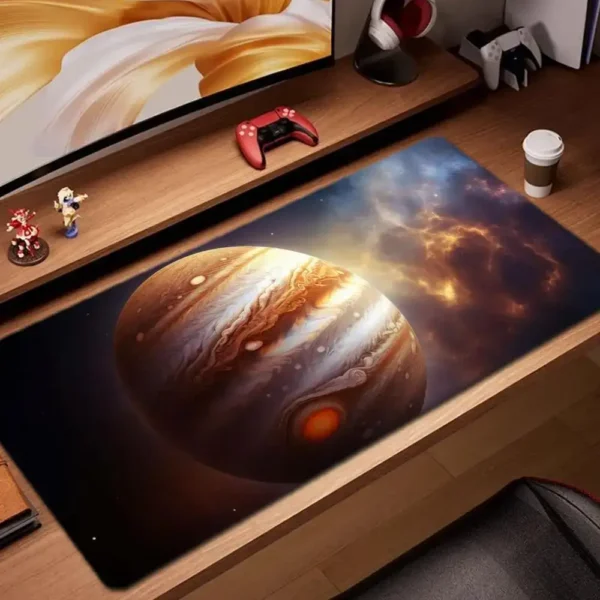
Select options
This product has multiple variants. The options may be chosen on the product page
Jupiter Mouse Pad
Price range: $32.99 through $86.99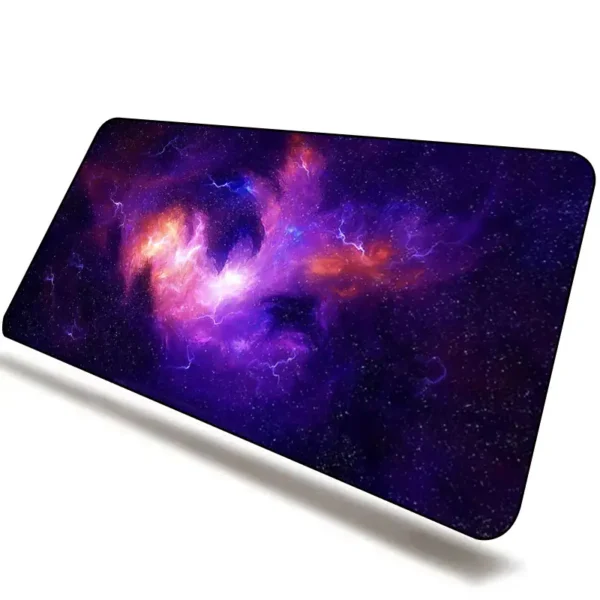
Select options
This product has multiple variants. The options may be chosen on the product page
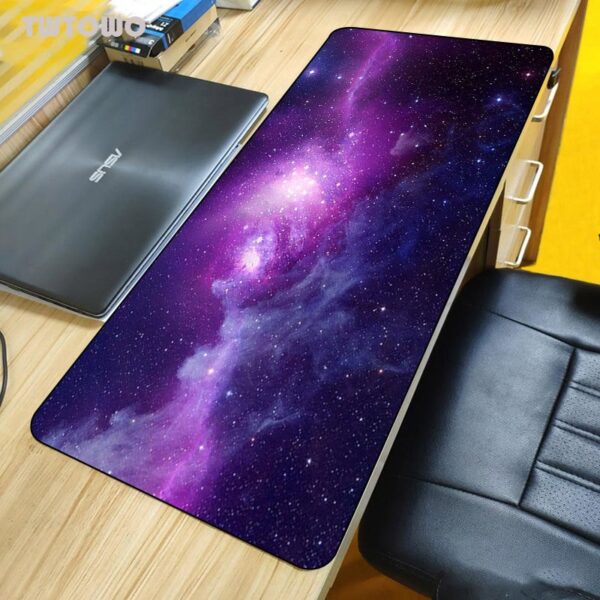
Colorful Nebula Space Mouse Pad
Price range: $17.99 through $28.99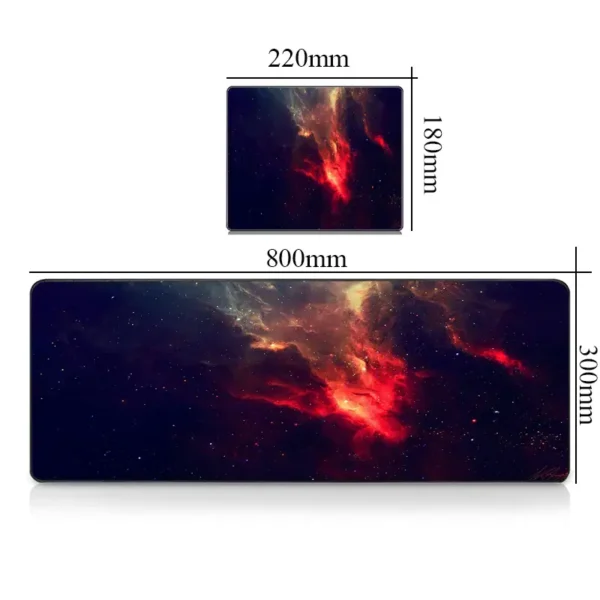
Select options
This product has multiple variants. The options may be chosen on the product page
Cosmic Nebula Space Mouse Pad
Price range: $17.99 through $28.99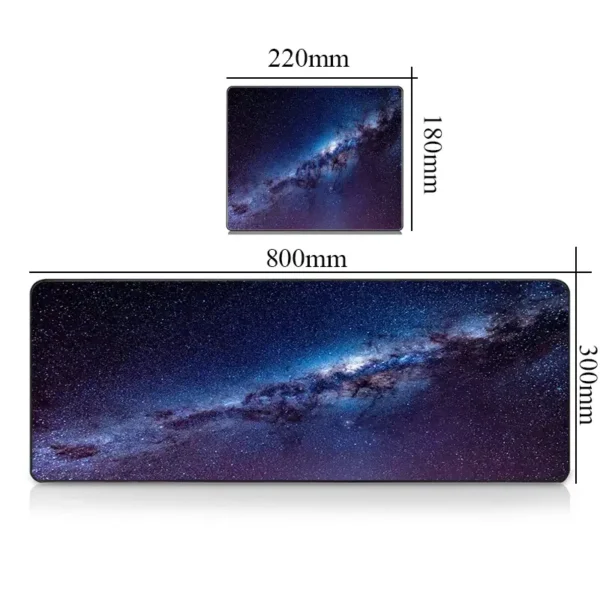
Select options
This product has multiple variants. The options may be chosen on the product page
Enchanted Nebula Space Mouse Pad
Price range: $17.99 through $28.99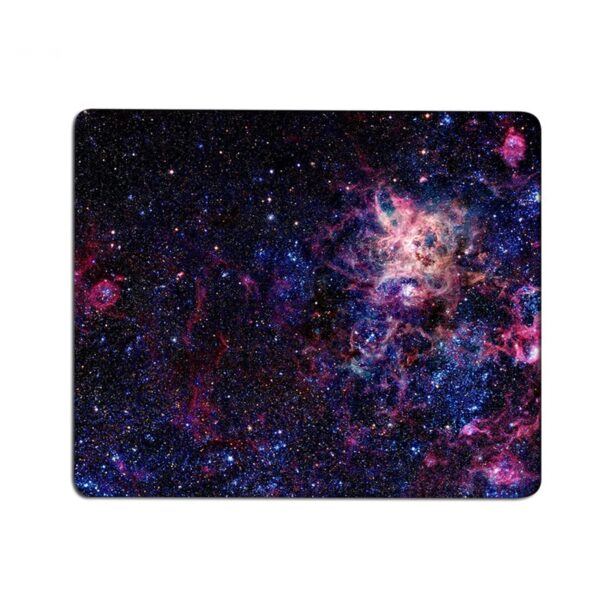
Select options
This product has multiple variants. The options may be chosen on the product page
Starry Nebula Space Mouse Pad
Price range: $12.99 through $17.99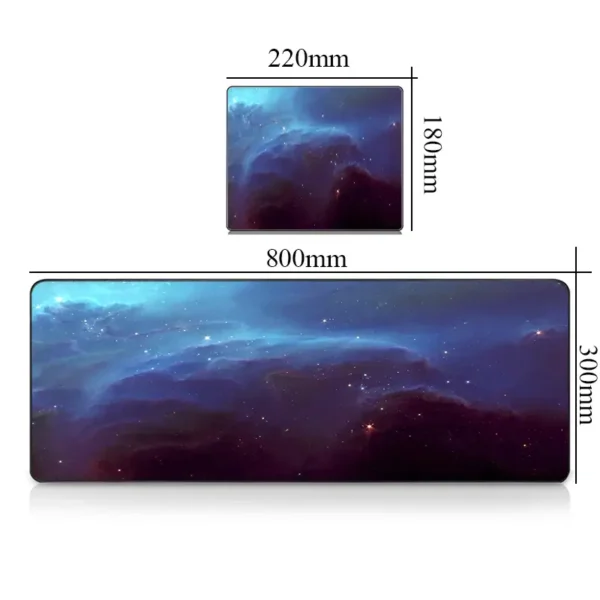
Select options
This product has multiple variants. The options may be chosen on the product page
Extraordinary Nebula Space Mouse Pad
Price range: $17.99 through $28.99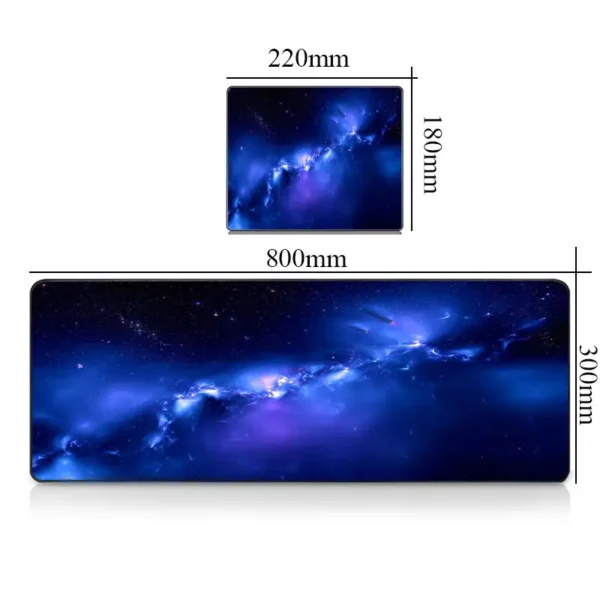
Select options
This product has multiple variants. The options may be chosen on the product page
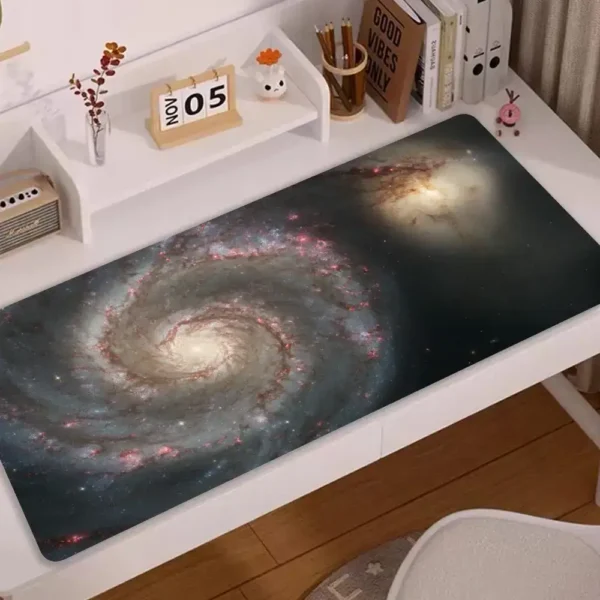
Blue Nebula Mouse Pad
Price range: $17.99 through $28.99

Select options
This product has multiple variants. The options may be chosen on the product page
Galactic Spiral Space Mouse Pad
Price range: $66.99 through $89.99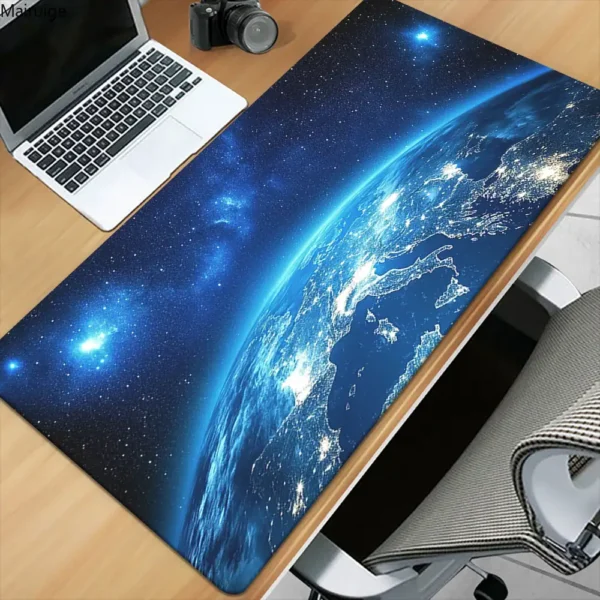
Select options
This product has multiple variants. The options may be chosen on the product page
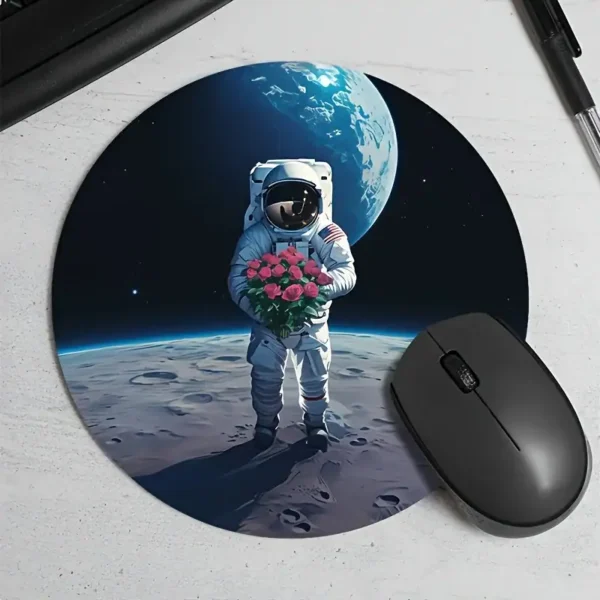
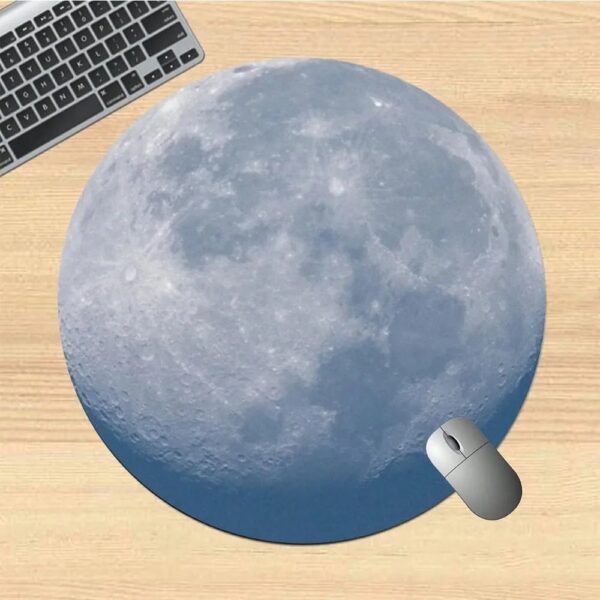
Earth in Space Mouse Pad
Price range: $21.99 through $42.99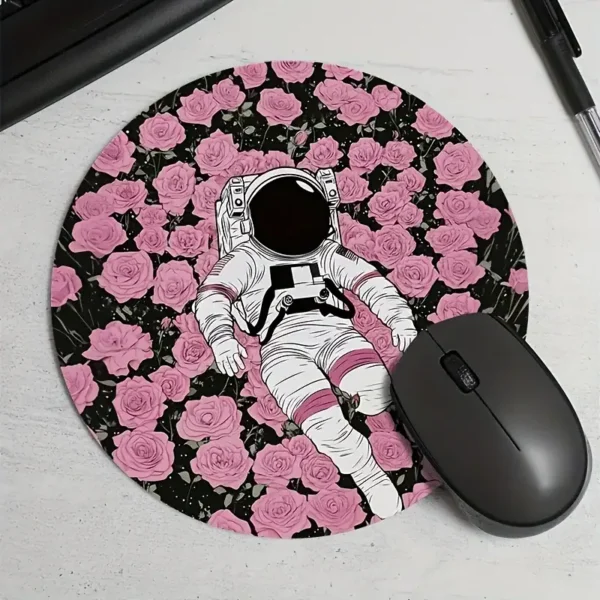


Select options
This product has multiple variants. The options may be chosen on the product page
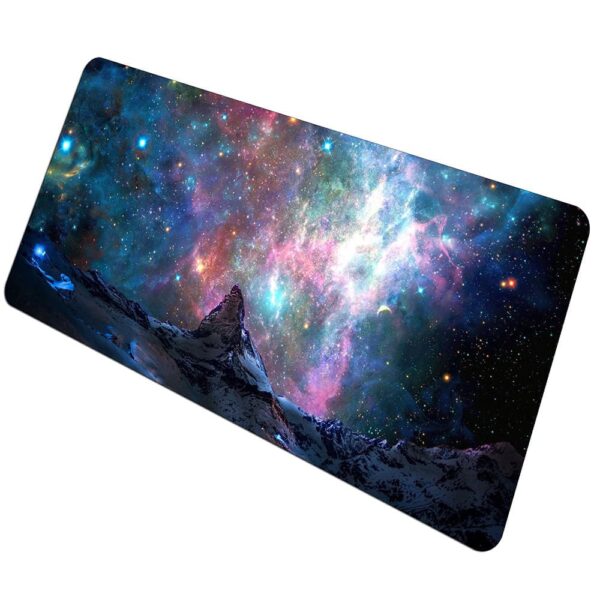
Space Mountain Mouse Pad
Price range: $43.99 through $52.99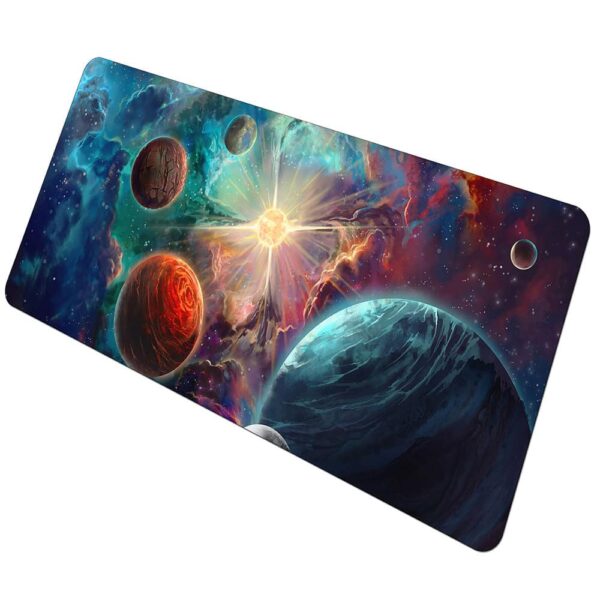
Select options
This product has multiple variants. The options may be chosen on the product page
Solar System Birth Space Mouse Pad
Price range: $43.99 through $52.99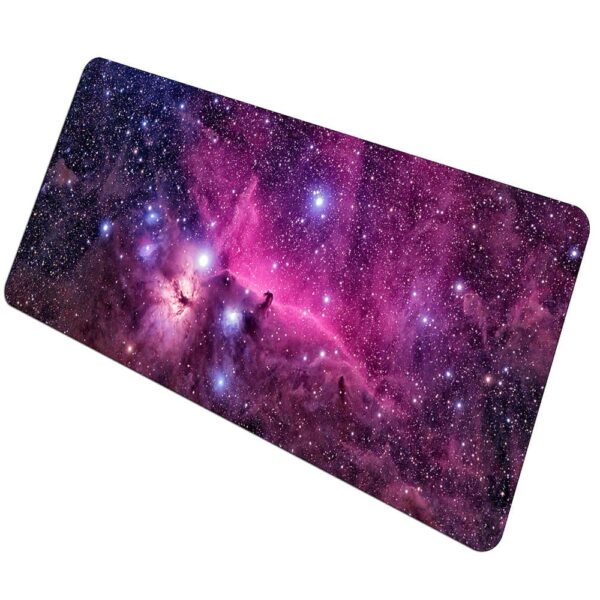
Select options
This product has multiple variants. The options may be chosen on the product page
Horsehead Nebula Space Mouse Pad
Price range: $43.99 through $52.99Space Mouse Pad: The Detail That Changes Your Office
A space mouse pad is simple: you rest your hand, gain comfort, and your office instantly takes on a different atmosphere. Between nebulae, planets, and astronaut visuals (Art, Flame, Cosmic Look), the category mixes very immersive designs and formats designed for daily use, from small discreet pads to large models for a more ambitious setup.
What You’ll Really Gain
Beyond the look, a good mouse pad improves glide and the consistency of movements, especially if you use an optical mouse with a sensitive optical sensor and high dpi settings. The result: fewer micro-stutters, better accuracy, and a sharper feel for both office work and gaming. On a somewhat “dry” desk, it also helps protect the surface and stabilize your workspace.
Choosing Based on Your Use
The difference mainly comes down to size, thickness, and how you play or work (laptop, desktop, gaming PC). Here are the criteria that really matter:
- Format: compact if you’re often on the go with a laptop, large if you need ample space.
- Gaming Style: in fps, a smooth surface and good responsiveness for quick corrections are appreciated.
- Stability: a well anti-slip rubber base prevents the pad from shifting, even with strong grip.
- Comfort: if you spend hours at the keyboard, aim for a more ergonomic feel (and add a separate wrist rest if you’re sensitive).
Surface, Glide, and Grip: Details That Make the Difference
On a pad, the surface plays a significant role. A fabric finish often provides a good balance: smooth enough for mouse glide, but with a pleasant control for precise pointing. If you alternate between wired and wireless mice, or frequently change models, a stable pad helps maintain consistent sensations. Also, consider the environment: your peripherals and keyboards can take up space quickly, so a larger format makes the desk more cohesive, especially in a gaming setup with multiple accessories.
Comparison Table for Quick Selection
| Profile | Recommended Format | Glide and Control | Stability | Ideal If… |
|---|---|---|---|---|
| Mobile Office | Small compact pad, easy to slip into a bag | Precise control, short and effective movements | Good stability if the base is anti-slip | You work on the go with a laptop and frequently change desks |
| Daily Desk | Standard size, good balance between size and bulk | Good compromise between smooth glide and precision | Very stable thanks to the rubber backing | You alternate between emails, spreadsheets, web browsing, and daily creation |
| Regular Gaming | Large format, generous space for comfortable play | Comfortable range, ideal for broad and quick gestures | Excellent if the underside grips well to the desk | You enjoy wide movements and a well-organized workstation |
| Gaming PC Setup | Very large format, covers the entire desk | Optimal arm comfort, smooth and precise sensor tracking | Maximum grip, top priority | You play intensely and want a stable area for both mouse and keyboard |
Designs for Every Atmosphere
In this selection, you can stay minimalist with a Colorful Planet or an Earthly Atmosphere, go for something spectacular with Galactic Rings, or display a true narrative universe with Galactic Civilizations. It’s also a great idea if you’re looking for a useful geek gift, without falling into the “dust-collecting” decor item trap.
FAQ
What size should I choose for comfortable gaming?
If you play often, especially in fps, a large format offers more room for quick movements. On a small desk, a standard size is still very pleasant and easier to place.
Does a pad really improve the precision of an optical mouse?
Yes, especially when the desk is uneven or shiny. A smooth fabric surface helps the optical sensor track movements more consistently, which translates to improved accuracy and cursor stability.
How can I prevent the pad from slipping?
Check the base: an anti-slip rubber layer makes a difference. On a very smooth desk, ensure that the surface is clean (dust and moisture can reduce grip).
How do I clean it without damaging it?
A gentle cleaning is enough: slightly damp cloth, a bit of soap if needed, then air dry. Avoid harsh products and excessive rubbing on printed areas.
Is it suitable for remote work and office tasks?
Yes: office work becomes more comfortable, especially if you use the mouse a lot, switch between multiple windows, and your workspace is compact. It’s a small accessory, but it makes the workspace more enjoyable every day.