Free Shipping on Orders Over $50

Robots for 8-10 Year Olds
Select options
This product has multiple variants. The options may be chosen on the product page
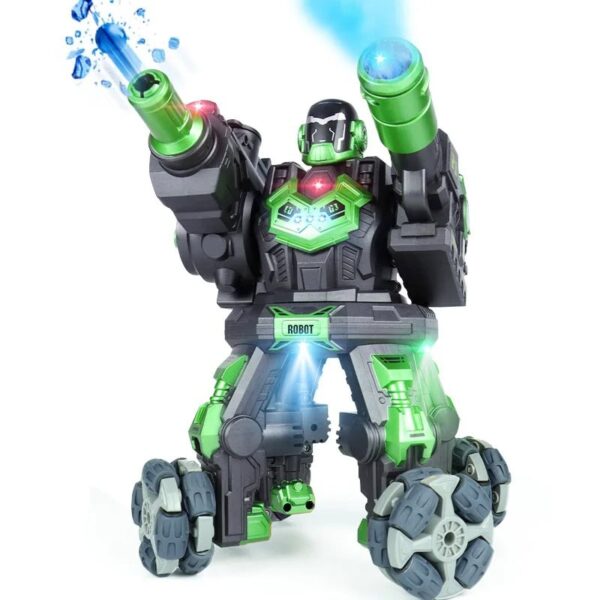
Combat Robot Toy
$95.99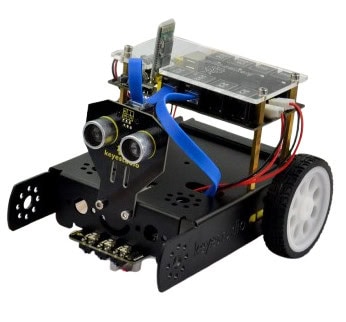
Kids Robot Kit
$144.99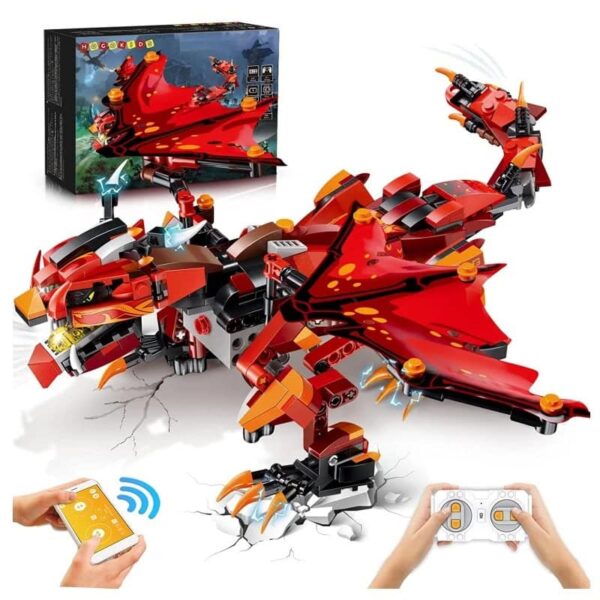
Select options
This product has multiple variants. The options may be chosen on the product page
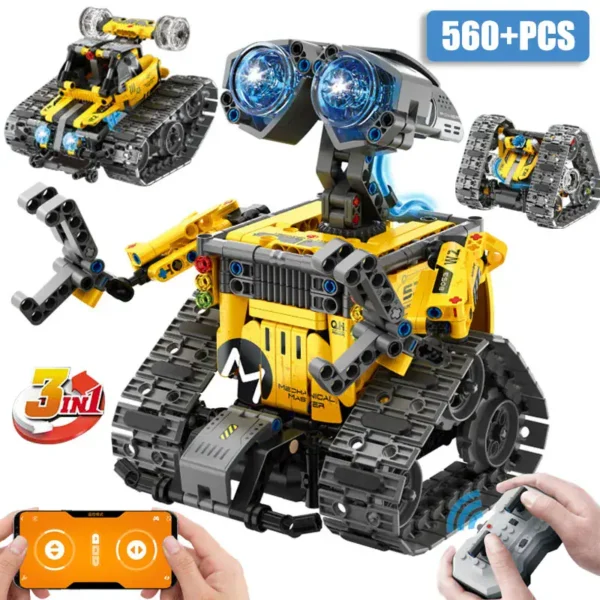
Kids Build-It Robot
$103.99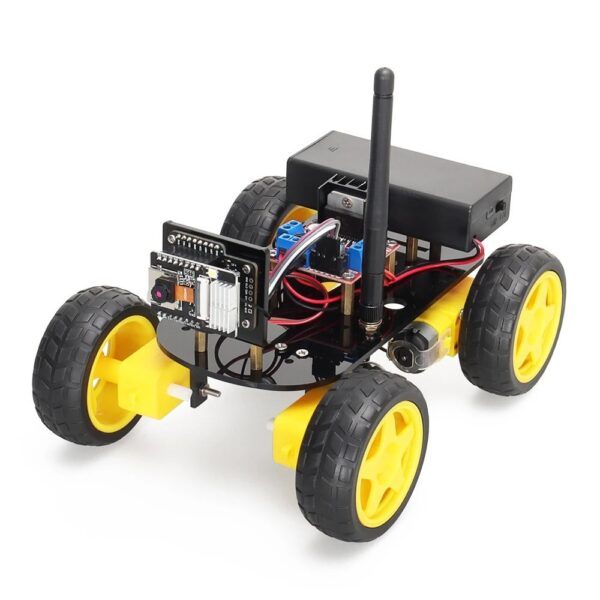
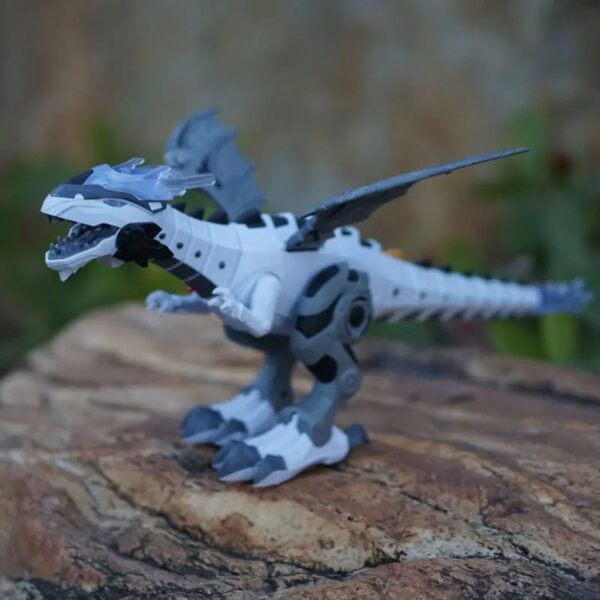
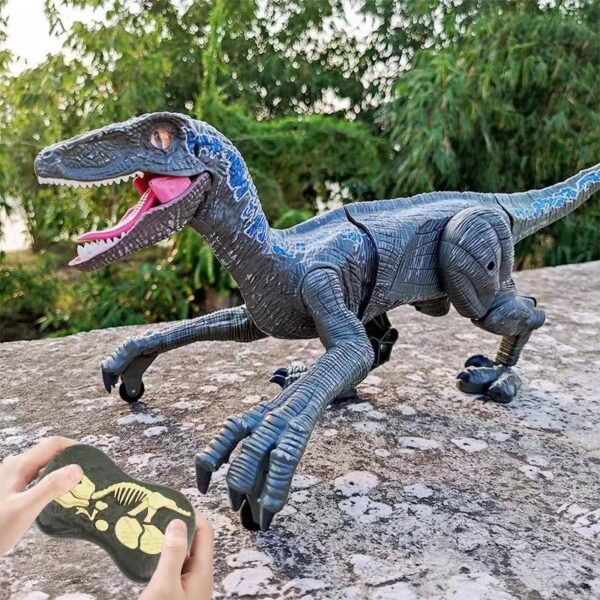
Select options
This product has multiple variants. The options may be chosen on the product page
Remote Control Dinosaur Robot
$113.99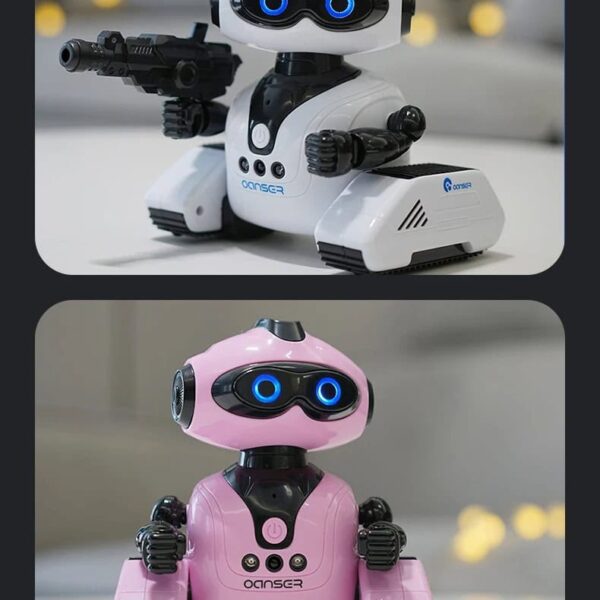
Select options
This product has multiple variants. The options may be chosen on the product page
Kids Smart Robot
$41.99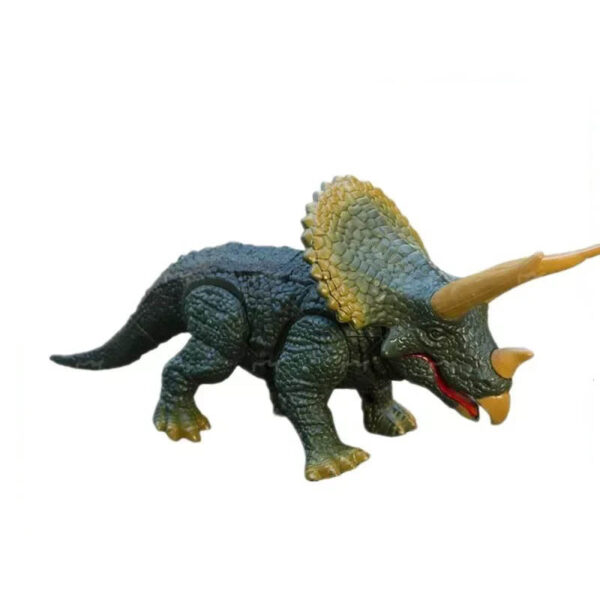
Triceratops Robot
$64.99It moves, blinks, responds to touch, and executes sequences of actions that we design like a little puzzle. We plan, we test, we correct… At this pivotal age, curiosity and independence explode. This is precisely where robots for 8 to 10-year-olds become ideal companions: an educational and interactive toy that stimulates logic, creativity, and a desire to learn.
Robots for 8 to 10-year-olds: Discovering Robotics and Interaction
This age group is perfect for gently introducing robotics: sensors, loops, conditions, and fundamental principles of algorithms. Children transition from simple play to concrete projects: programmable robots, navigation challenges, choreographies, mini-missions to validate. The approach remains playful: we learn while having fun, alone or in teams.
Why Choose a Robot for an 8 to 10-Year-Old?
Because a robot illustrates abstract concepts: “if… then,” repetitions, and event management. By manipulating, the child learns to code (Scratch/blocks), improves their coordination with a remote control or a tablet (sometimes via Bluetooth), and develops confidence and perseverance through achievable goals. It is a natural bridge to building games and more technical kits.
The Different Types of Robots Suitable for 8-10 Year Olds
Visual Programmable: block interfaces, sensors (light, distance), sometimes a hint of artificial intelligence or voice recognition to enrich challenges. Construction/Engineering: bricks and mechanisms to understand levers, gears, and motorized structures. Interactive/Remote Controlled: reactive companions (remote-controlled robots) for scripting stories and creating personalized behaviors.
To vary the experiences, complement with flying drones for kids or science kits: perfect for connecting programming, physics, and observation.
How to Choose the Right Robot for Your Child?
- Level & Scalability: gradual challenges, possible modules/additions, additional scenarios.
- Interface: Scratch blocks, buttons, app, remote control; prioritize clarity.
- Robustness & Autonomy: solid materials, rechargeable battery or batteries, spare parts.
- Usage: indoor/outdoor, surface, obstacles, light; effective sessions of 20–40 mins.
- Budget: distinguish between short-term gadgets and durable educational toys.
| Type | Skills | Difficulty | Autonomy | Budget |
|---|---|---|---|---|
| Programmable | Logic, Sensors, Coding | ⚙️⚙️ to ⚙️⚙️⚙️ | Medium/Long (battery) | $$ to $$$ |
| Construction | Mechanical, Precision | ⚙️⚙️ | Variable (motors/batteries) | $ to $$ |
| Interactive | Creativity, Storytelling | ⚙️ | Short to Medium | $ to $$ |
The Benefits of Robots for 8 to 10-Year-Olds
They develop algorithmic thinking, problem-solving skills, imagination (scenarios, challenges), and collaboration (projects in pairs/groups). Trend for 2025: more accessible interfaces, better-integrated sensors, and guided content to progress without frustration.
Usage Tips for Parents
Alternate between robots, reading, sports, and board games for a healthy balance. Offer short challenges, document trials, and value mistakes as a learning step. Regularly check screws/wheels, clean sensors, and keep the app updated. Some sets contain small parts: keep out of reach of younger children (not suitable for toddlers).
FAQ: Robots for Kids 8–10 Years Old
What robot should I choose to introduce a child to programming?
A programmable block model with simple sensors and guided challenges. The child visualizes their sequences and progresses step by step.
Are dinosaur robots suitable for 8-year-olds?
Yes, as long as they remain educational: movements, reactions, even mini-scripts. Check for robustness and autonomy.
Do robotic kits require coding knowledge?
Not always: many focus on construction. Introduction to coding comes later with simple modules.
Are camera robots safe for children?
Choose models that do not default to public sharing, with parental controls and local storage. Disable unused network functions.